iBobbleheads for FREE1.2
Publisher Description
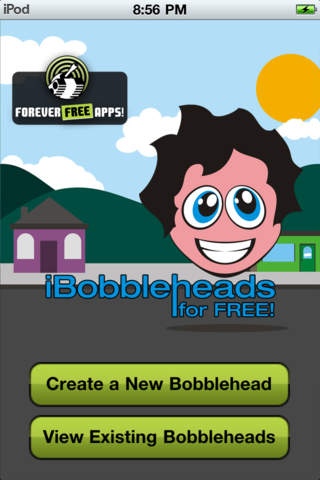
Turn your friends & family, (even pets!) into a bobblehead!
"It s really that simple and trust us it will bring tons of laughs! Appdictions.com
One of my favorite fun apps :) JTiffany12
LMAO!! Works great.. MightyAna
Get ready to giggle!
This fun filled app lets you turn any one you wish into a fully interactive bobblehead!
______________________________
FEATURES:
Take a picture, and use your finger to crop out the head of the person (or animal!) in the photo
Create a boy or girl bobblehead
Shake your device and watch your bobblehead come to life!
Save your collection of bobbleheads on your device to play with anytime you want!
______________________________
Brought to you by Swipelab!
See more of our apps here: http://www.swipelab.com/
Requires iOS 3.1.3 or later. Compatible with iPhone, iPad, and iPod touch.
About iBobbleheads for FREE
The company that develops iBobbleheads for FREE is BILLY BAMBAO. The latest version released by its developer is 1.2.
To install iBobbleheads for FREE on your iOS device, just click the green Continue To App button above to start the installation process. The app is listed on our website since 2010-12-16 and was downloaded 0 times. We have already checked if the download link is safe, however for your own protection we recommend that you scan the downloaded app with your antivirus. Your antivirus may detect the iBobbleheads for FREE as malware if the download link is broken.
How to install iBobbleheads for FREE on your iOS device:
- Click on the Continue To App button on our website. This will redirect you to the App Store.
- Once the iBobbleheads for FREE is shown in the iTunes listing of your iOS device, you can start its download and installation. Tap on the GET button to the right of the app to start downloading it.
- If you are not logged-in the iOS appstore app, you'll be prompted for your your Apple ID and/or password.
- After iBobbleheads for FREE is downloaded, you'll see an INSTALL button to the right. Tap on it to start the actual installation of the iOS app.
- Once installation is finished you can tap on the OPEN button to start it. Its icon will also be added to your device home screen.
